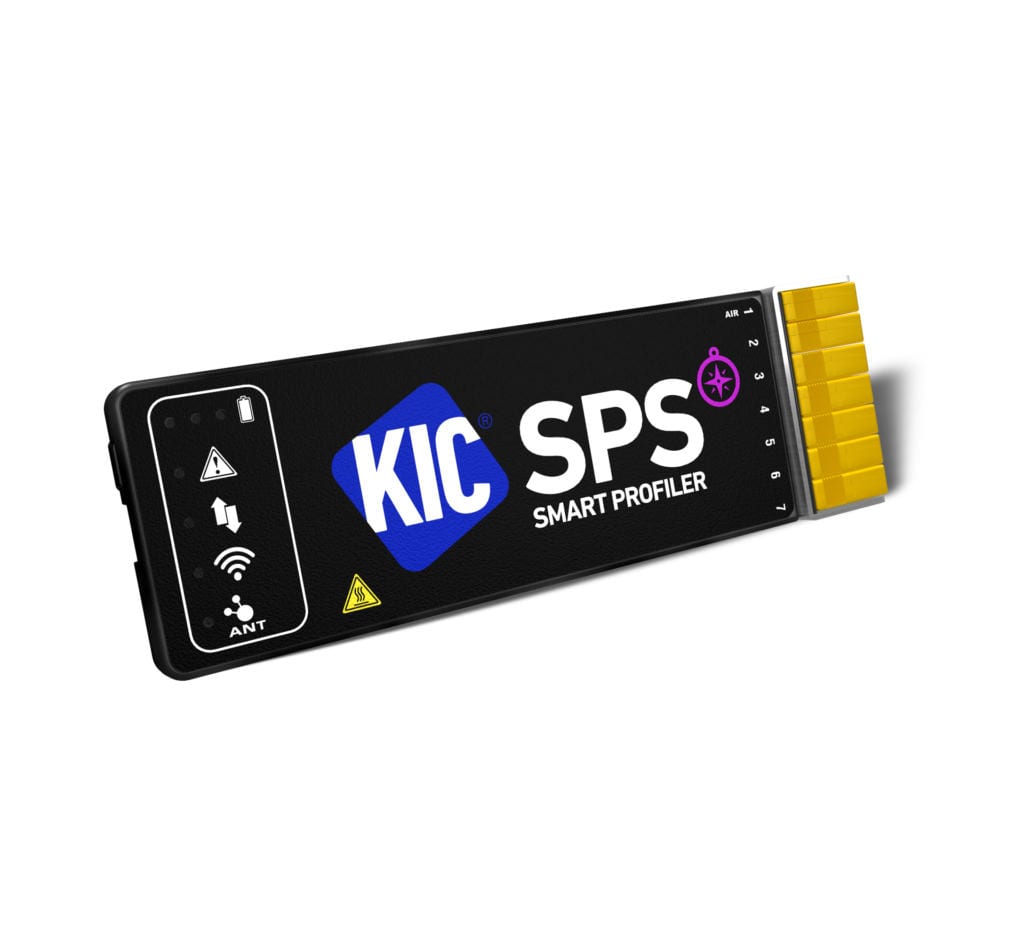
KIC SPS Reflow Oven Profiler is a Smart Profiling System for Fast SMT Reflow Oven Recipe Set-up and Process Optimisation.
The KIC SPS (Smart Profiling System) and optional Smart Dock are packed with the latest in data processing and wireless technologies for seamless data collection.
Manufactured in an LCP (Liquid Crystal Polymer) enclosure for better thermal protection it does not absorb thermal energy like a metal box profiler which allows for multiple profiles to be run – No longer do you need to place the profiler by a fan to cool down!
The design of the SPS thermal shields allows for easy and secure opening and closing, durability that meets the most stringent of drop tests, and temperature tolerance capabilities that exceed all previous KIC profiler and shield models.
The SPS Reflow Oven Profiler has an Internal Rechargeable NiMH battery which allows for long use between charges, a longer battery life and a 10 minute fast charge feature to quickly charge the unit with enough power for one profile.
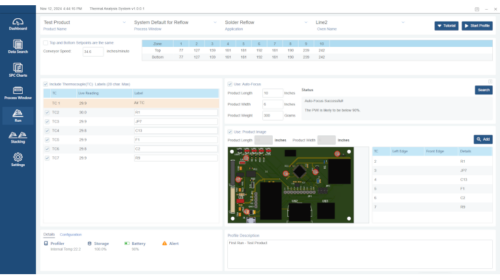
KIC’s NEW TAS (Thermal Analysis System) profiling software is simple to use requiring little training, it guides the user through the complete reflow profiling process and is packed with tools for improving the reflow process and maximising production up-time.
TAS software is now included with all new SPS reflow oven profilers and includes the new game changing Common Recipe Finder, allowing the user to reduce large numbers of unique oven recipes down to a handful of common recipes which reduces oven downtime when changing oven recipes.
A fast Reflow Oven Profiler that makes profiling easy, optimising the thermal process with minimal user effort.
KIC’s Auto-Focus upgrade (OPTION) offers a fast new board profiling solution allowing for in-spec. recipes without needing to attached thermocouples first.
KIC’s PWI (process Window Index) provides a single number “score” of the reflow profile, making it easy to not only see that the process is good (green) but also if can be optimised further to provide a ‘deep in spec.’ solution.
After running a Profile, the Navigator automatically runs, simulating 100,000’s of permutations to create a fully optimised in spec. reflow profile.
KIC PWI (Process Window Index) is at the heart of how a profile is first measured, then optimised.
Before making meaningful improvements to any repeatable process you must first measure the existing process against all key parameters.
The Solder paste provides the main process limits but this is not the only consideration.
Critical component temperature limitations that may restrict the process limits further, and can reduce Peak Temperature, Time above (…a specific temperature limitation e.g. an LED), and also thermal shock through Ramp Rates during heating (degrees/second).
Industry specifications (Automotive, Aerospace & Defence) requirements) and company in-house process rules can also affect these process limits, often making them much tighter.
To measure the existing process we need to first create a process specification with all these critical limitations – this is our Process Window.
Then we must attached thermocouples to board and pass the board and profiler through the oven to measure how our existing process fits this Process Window.
KIC’s Thermal Analysis Software (TAS) displays the profile graph, with all the key process measurements for every thermocouple, compared to the Process Window created.
The PWI (Process Window Index) is a measurement of how each thermocouples data fits the each process window limitations, displayed as a percentage to provide very clear evidence to the user.
A PWI greater than 100% is using more than the allowed Process Window, therefore beyond the process limitations set and is Out of Spec., RED and highlighted data shows where the process limits are exceeded, and the worst case.
A PWI less than 100% is working within the allowed Process Window, therefore inside the process limitations set and is In-Spec., GREEN and highlighted data shows where the process limits are in control and the worst case to identify areas for improvement.
Historically a Process Engineer would interpret this data and make changes to fix anything that’s outside of the specification – but what changes, should they make, which zones should be changed and by how much temperature…and does the conveyor speed need to change, if so how does that impact the rest of the profile.
Traditionally this process involves making physical oven changes, several times, waiting 20-30 minutes for the oven to change/stabilise and then running another profile, often resulting is unexpected changes – this process then repeats until an “acceptable” profile is achieved, and can take several hours of engineering, oven and production time.
Navigator (KIC’s award winning automatic prediction software) runs thousands of calculations, zone set points and belt speeds, measuring the predicted results against the process limits and calculates the PWI for every thermocouple.
In just seconds it provides an Optimised Profile, with deep-in-spec. results, showing the lowest PWI achievable, not just an “acceptable” profile.
Every zone set point change and any conveyor speed change is clearly displayed, allowing the oven to be quickly set to the new recipe values.
Run a second profile to confirm the results…and for critical products and users who want the best possible process you will instantly see if the profile offers a lower PWI solution, and may benefit from further improvements.
The overall PWI value is effectively the ‘weakest’ spec., the one that exceeds the limits the most.
By showing an overall PWI = 120% it means you are exceeding the specs.
By showing an overall PWI = 95% it means you are within the limits, but only just (for critical users, you can decide what % is an “acceptable” profile, e.g. less than 90%)
By showing an overall PWI = 50% it means you are deep within the limits.
PWI is therefore a simple, but very effective tool that instantly tells you how the process as a whole is performing.
When verifying existing profiles (a periodic check to see if the process is stable, or has changed) you will see the PWI shown, making it immediately obvious if there are any deviations from the original process.
The video below explains how this works and how it benefits the user in terms of a significant saving of time as well as improved thermal reflow oven recipes.
Is profiling the oven is taking up way too much of your time?
Do you need more reflow profile data for customer and process Audits…then why not automate it.
Automatic Profiling for Reflow Ovens provides a profile for EVERY board produced…Automatically, and also completely eliminates all your current profile “checks” and verification profiling.
It will not only save you hours of your process engineering time it will also significantly reduce the reflow oven downtime, improving both production rates and yields.
Instead of constantly checking and manually recording profiles for evidence you get a LIVE process state.
A LIVE profile showing you that you are in-spec. before you start a production.
You will see a LIVE process state at all times during production.
And you will automatically record a profile for every board built during production.
All historical profiles and data are searchable (by product, date/time of build) or with full traceability using barcodes.
"*" indicates required fields